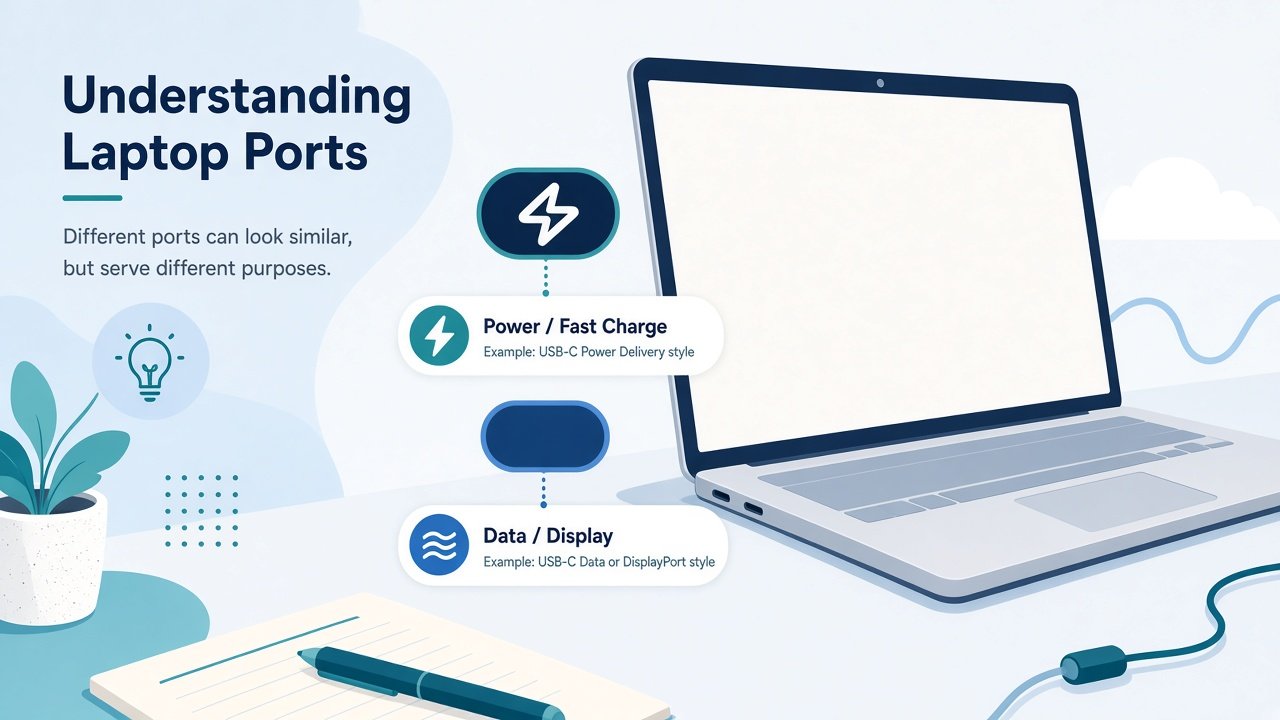
If your laptop has a slim oval port and the box mentions both USB-C and Thunderbolt, you are not alone in feeling confused. Short answer: USB-C is the physical shape of the connector; Thunderbolt is a high-speed data standard that often uses that same shape. A port that looks like USB-C is not automatically Thunderbolt. For everyday charging, pendrives, and one external monitor, plain USB-C is usually enough. Thunderbolt matters when you want very fast external drives, multi-monitor docks, or heavy docking setups.
Port shapes versus standards
USB-C describes the reversible plug. Thunderbolt 3 and Thunderbolt 4 use that same plug on most modern laptops. DisplayPort Alt Mode and USB4 can also ride on USB-C. So when a shop listing says “USB-C,” it might mean only basic USB 3.x data and charging. When it says Thunderbolt, it is promising higher bandwidth and usually better docking support, often marked with a small lightning-bolt icon next to the port.
USB 2.0 over a USB-C plug is still slow. USB 3.2 Gen 1 is commonly around 5 Gbps. Gen 2 reaches about 10 Gbps. USB4 and Thunderbolt 3/4 sit at the top end, with Thunderbolt 4 requiring 40 Gbps for the full feature set. Real transfer speeds depend on the drive, the cable, and whether the port shares traffic with other devices.
For copying a semester’s project videos, a Thunderbolt or USB4 SSD enclosure feels snappy. For Word files and PDFs, mid-tier USB-C is fine. Do not buy a Thunderbolt cable if your laptop only has basic USB-C; the cable will not unlock speed the port does not have.
Charging through the same port
Many Windows and Mac laptops charge over USB-C. Wattage varies. A thin ultrabook may take 45–65 W. A gaming or creator laptop may need 100 W or m
Docks, monitors, and single-cable desks
This is where Thunderbolt earns its keep. A Thunderbolt dock can drive multiple displays, ethernet, and several USB devices from one cable while charging the laptop. Plain USB-C docks exist and work for many students, especially if you only need one HDMI monitor, a keyboard, and wired internet. Check how many displays your GPU and port combination actually support. Some USB-C ports do DisplayPort Alt Mode for one screen; Thunderbolt setups more often handle two 4K displays depending on the dock and laptop.
If your college lab already has HDMI on every desk, you may never need a dock. If you bounce between hostel and library with one backpack, a compact USB-C hub with HDMI and USB-A is often the practical middle ground.
When USB-C alone is enough
Stick with regular USB-C if you mostly charge the laptop and phone, plug in a mouse or pendrive, use one external monitor at 1080p or 1440p, and back up notes to an ordinary external drive. You can skip Thunderbolt marketing when the laptop is for coding labs, online classes, and documents. Paying extra for Thunderbolt on a machine you will never dock wastes a fresher budget.
Intel machines popularized Thunderbolt branding. Many newer AMD and Snapdragon laptops advertise USB4 with similar capabilities. Read the fine print for monitor count and charge wattage rather than chasing the logo alone.
Buying tips for beginners
Count the ports on the laptop you want. One USB-C that does everything is convenient until it fails or you need two devices at once. Confirm charging works on the port you plan to use with a hub. Buy cables labeled for the job: charging-only cables exist and will disappoint for video. Match Thunderbolt docks to Thunderbolt or USB4 ports; a Thunderbolt dock on basic USB-C will not deliver full features. Prefer hubs with their own
FAQ-style closing tips
Is every USB-C port Thunderbolt? No. Shape is shared; features are not. Can you charge a phone from a laptop USB-C port? Often yes when the laptop is on. Will Thunderbolt make your internet faster? Only if you use a dock with ethernet and the network is not the bottleneck. Do you need Thunderbolt for a second screen? Not always—many USB-C ports output video. Are expensive cables mandatory? For high-speed Thunderbolt/USB4 and video, quality matters; for phone charging, a certified PD cable at a fair price is enough.
Bottom line: treat USB-C as the common plug and Thunderbolt as the premium highway that sometimes uses that plug. Match accessories to your real workload—notes, one monitor, and charging—before you spend on docks meant for video editors. Read the port icons, check wattage, and keep one reliable cable in your bag. That covers most student laptop setups without the jargon fog.
power supply if you attach many devices. On campus, label your cable—everyone’s black USB-C cord looks identical.Open the manufacturer’s support page for your exact model and search for ports or Thunderbolt. Retail stickers are often vague. If you inherit a used laptop, test with a known-good cable and a simple USB drive first. Lint in the port causes flaky connections that look like standard problems.
When Thunderbolt or USB4 is worth it
Consider it if you edit large video projects, use fast NVMe enclosures daily, run dual external monitors from one cable, or want a serious docking station for a fixed study desk. Creators and some engineering students benefit. Casual browsing and office work rarely need 40 Gbps.
ore, and some still prefer a proprietary brick for full performance. Thunderbolt ports usually support Power Delivery, but not every USB-C port on a machine charges the battery. Look for a battery or PD note in the manual.Using a low-watt phone charger on a laptop often means slow charging or draining while you work. Match the adapter to what the manufacturer recommends. Third-party PD chargers are fine when they meet the wattage; avoid no-name cables that get hot.
Older rectangular USB-A ports are different. Those are not Thunderbolt. MagSafe on some MacBooks is charging-only. HDMI and full-size DisplayPort are video ports, not Thunderbolt. Beginners often assume every thin port is “the same USB.” Checking the icon and the laptop’s specs page saves return trips to the store.