The Short Answer Before the Details
Switching from 4G to 5G on an Android phone does not reinvent how you use the device. Messaging, maps, and social apps still look the same. What changes is how quickly data arrives when the network is strong, how crowded towers handle busy hours, and how much battery your radio may spend chasing the faster signal.
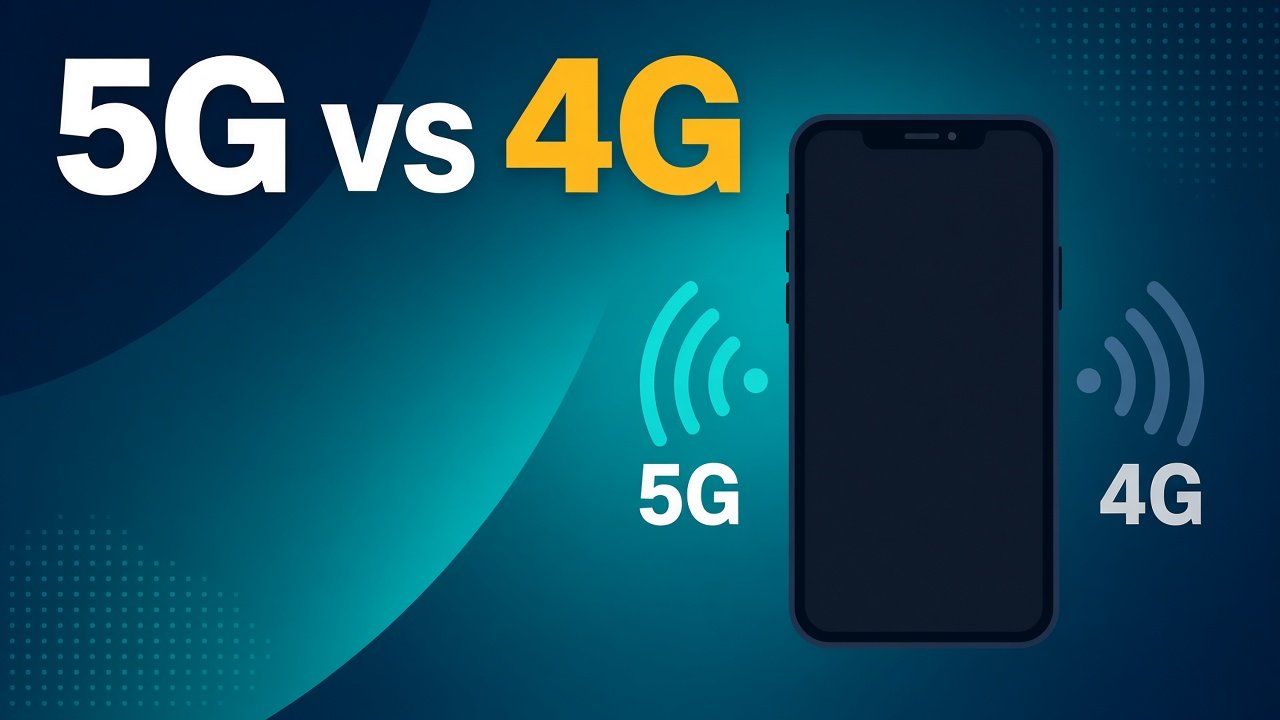
This article breaks down 5G vs 4G Android differences in everyday terms. You will see what improves, what barely matters, and when staying on 4G is a smart choice.
How 4G and 5G Fit Into Your Phone
4G LTE remains the backbone of mobile internet in many cities and towns. It is mature, widely available, and good enough for HD video, video calls, and cloud backups when coverage is solid. 5G is the newer generation designed for higher peak speeds and more capacity per cell site.
On Android, you usually find a network preference under Settings, Mobile network, or similar. Many phones let you choose 5G/4G/3G auto, or force LTE-only. Icons in the status bar show which radio is active, though the label alone does not guarantee full speed.
Your plan must include 5G access. A 5G-capable handset on a 4G-only plan will not unlock the newer network. Coverage maps from carriers help, but street-level reality varies by building walls, distance from towers, and how busy the cell is.
Speed: When You Feel It and When You Do Not
In ideal conditions, 5G can download large files and stream high-bitrate video with more headroom than 4G. That helps if you install multi-gigabyte games over mobile data, upload long camera clips, or join a call while someone else at home saturates Wi-Fi.
For smaller tasks, the gap shrinks. Loading a news page, sending photos in chat, or checking email is often limited by the server or the app, not by your radio. If 4G already gives you a stable connection, many daily taps feel identical.
Latency—the time for a tiny request to go out and return—can improve on well-built 5G networks. Online games and live interactive tools benefit more than static browsing. Still, Wi-Fi at home or campus usually beats both for consistency when the router is healthy.
Coverage and Real Streets, Not Lab Charts
Marketing screenshots show peak megabits. Outside, you meet weak indoor signal, elevators, basements, and roads between towers. Mid-band 5G often balances range and speed. Low-band 5G can cover wider areas with milder gains over strong 4G. High-band deployments, where they exist, can be blistering near the site and fade quickly with distance or walls.
So 5G vs 4G Android is partly a location question. In a dense downtown with solid 5G, downloads may surprise you. In a suburb with thin 5G and excellent LTE, forcing 5G can mean hunting for a weak signal and wasting battery for little gain.
Try a simple habit: run a few speed checks on 5G and again with LTE preferred in the places you actually stand—classroom, commute, hostel room. Keep notes for a week. Patterns beat one lucky test.
Battery, Heat, and Always-On Radios
Newer radios can use more power when the phone constantly evaluates bands and towers. On some Android models, leaving 5G on in poor coverage areas leads to warmer pockets and shorter screen-on time. Vendors improve modem efficiency with software updates, yet physics still applies: searching hard costs energy.
Practical tips help. Prefer Wi-Fi for heavy downloads. Use Adaptive Battery and restrict background data for chatty apps. If you notice drain on travel days with weak 5G, switch the preferred network to LTE until you return to a strong area. That is not “giving up”; it is matching the radio to the environment.
Heat during long uploads or hotspot sharing is normal to a point. If the phone becomes uncomfortable, pause the transfer, remove a thick case briefly, and avoid charging while stressing the modem and CPU together.
Data Caps, Hotspot, and Shared Plans
Faster networks make it easier to burn through a monthly quota. Streaming at higher quality, automatic cloud photo backup, and tethering a laptop can empty a pack quickly whether you are on 4G or 5G. The generation does not change the need to watch usage in the carrier app.
Android’s data warning and limit settings remain useful. Set a soft alert before you hit the hard cap. For hotspot use, 5G can feel excellent for a laptop when the signal is strong, but it may also accelerate both battery drain and data consumption compared with moderate LTE tethering.
Who Should Care Most About 5G Right Now
Choose or enable 5G if you regularly need mobile downloads, work without reliable Wi-Fi, live in a well-covered city, and your plan includes it. Students who commute and stream lectures on the go may appreciate the extra headroom during peak hours when 4G cells feel congested.
If your area has spotty 5G, your usage is light, or battery life matters more than peak speed, staying on 4G is reasonable. Buying a phone “for 5G” still makes sense as future coverage expands, but it should not be the only reason to upgrade if the camera, software support, and RAM already meet your needs.
A Calm Way to Configure Android
Open network settings and confirm 5G is allowed when you want it. Update the carrier services and system software so modem fixes arrive. After big OS updates, recheck the preference; some updates reset options.
Disable unused SIM data if you carry dual SIM and one line is idle. That reduces background chatter. When troubleshooting slow internet, test airplane mode for ten seconds, then reconnect, and compare Wi-Fi versus mobile on the same app before blaming 5G itself.
Bottom Line for Everyday Users
5G vs 4G Android is less about a new lifestyle and more about better capacity and peak speed where the network is ready. Expect clearer gains for large transfers and busy cells, milder gains for light browsing, and possible battery trade-offs in weak coverage. Learn your routes, use Wi-Fi when you can, and treat network mode as a tool you can change—not a badge you must leave on forever.