Android phones can buzz for everything: shopping apps, game energy reminders, college LMS posts, banking OTPs, and group chats that never sleep. The fix is not only Do Not Disturb. Notification channels (sometimes labelled categories) let you keep the alerts that matter for class and mute the ones that only steal attention. Once you understand channels, “notifications are broken” often turns into “this category was set to silent.”
What a notification channel is
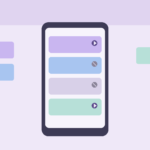
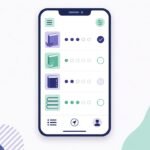
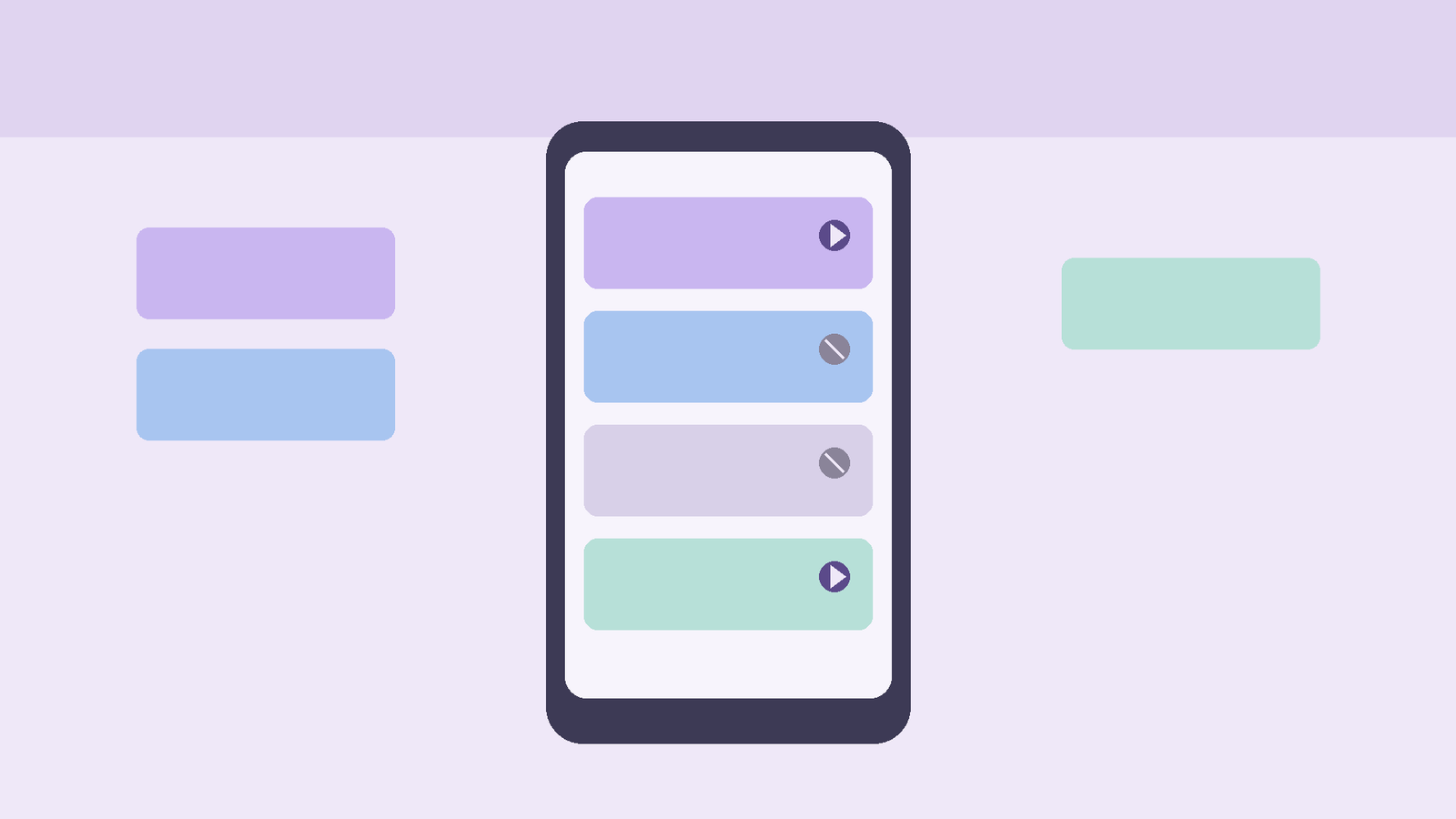
A channel is a category an app uses when it posts alerts. One app can have many channels—for example “Messages,” “Promotions,” “Downloads,” and “Account security.” On modern Android builds you can change importance, sound, vibration, and lock-screen behaviour per channel instead of only on/off for the whole app.
Manufacturers rename menus, but the idea stays: open the app’s notification settings and you will usually see a list of categories. Changing one category does not have to silence the others.
Why channels exist (and why students should care)
Without channels, you faced a blunt choice: allow an app fully or block it. Blocking WhatsApp or your LMS to stop spam also blocked the one message about a cancelled lab. Channels split that problem. You can silence promotional noise inside an app while leaving OTP and class channels loud.
This also explains confusing bugs. An app “sends notifications” according to the developer, yet you hear nothing—because that channel’s importance is Low or was toggled off after a version update. Before reinstalling the app, inspect channels.
Channels vs Do Not Disturb vs Focus modes
These tools stack; they are not duplicates.
- Channels control how a category behaves when alerts are allowed.
- Do Not Disturb (DND) can suppress sounds and pop-ups across apps, with exception rules (starred contacts, repeat callers, alarms).
- Focus / Digital Wellbeing modes (names vary) can pause selected apps or filter interruptions for study blocks.
A sensible study setup often uses all three lightly: mute junk channels permanently, use a study Focus for evening revision, and keep DND exceptions for family calls. Relying only on DND means every break becomes a flood when you turn it off.
How to find and edit channels
Exact paths differ by brand (Stock Android, Samsung, Xiaomi, and others rearrange labels). The common pattern:
- Long-press a notification from the app → icon or text for notification settings, or
- Settings → Apps → [App] → Notifications.
- Open the category list. Toggle categories or tap one to set sound, vibration, pop-up, and lock screen.
If you do not see categories, the app may use a single channel, or the OEM buried them under “See all” / “Categories.” After big app updates, revisit the list—new channels often default to noisy.
A campus-first channel map
Think in jobs, not app logos.
Must stay audible
- Banking / UPI OTP and security alerts
- College LMS or email channels for announcements (if split)
- Calendar or reminder channels you actually use for deadlines
- Messaging channels where class groups and faculty posts appear—if those are separate from “status” noise
Usually safe to quiet
- Shopping recommendations and “items in your cart”
- Game invites and energy full alerts
- News digests you never open
- Social “someone liked your photo” style channels when the app offers them
Decide case by case
- Email: primary vs promotions/social tabs if your client exposes them
- Browsers: default site notifications are often worth denying globally, then allowing only rare exceptions
- Cloud storage: file-shared alerts can matter during group projects; marketing channels do not
Write your own short list on paper once. Five minutes of sorting beats months of reflexive “clear all.”
Importance levels without the jargon spiral
Android importance controls interruption level: whether an alert makes sound, appears as a heads-up banner, or only shows quietly in the shade. High importance is for OTPs and time-critical class changes. Low importance is for “sync completed” style noise.
If a channel keeps peeking over your notes during lectures, lower its importance or disable banners while leaving a silent badge if you still want a record. If OTPs arrive silently, raise that security channel and confirm the app is not battery-restricted into delayed delivery.
Brand skins and permission traps
Some phones add extra layers: “background activity,” “autostart,” or aggressive battery savers that delay notifications even when channels look correct. If class messages arrive hours late:
- Confirm the channel is on and high enough importance.
- Exclude the messaging/LMS app from adaptive/sleep battery restrictions if your OEM offers that.
- Check that Data Saver or VPN quirks are not delaying pushes.
- Only then consider reinstalling.
Channels fix category noise. They do not fix an OEM killing the app process every hour.
Group chats without losing the thread
Class WhatsApp or Telegram groups are useful and chaotic. If the app offers separate channels for message types, mute @noise while keeping mentions if available. Otherwise mute the group inside the chat app (group mute) while leaving 1:1 faculty chats unmuted—a chat-level mute is often cleaner than nuking the whole app’s message channel.
For LMS apps, prefer in-app email digests only if they are reliable; otherwise keep the announcement channel on and disable marketing push if the vendor mixes them.
A weekly five-minute cleanup
Once a week, open the notification shade history (where available) or scroll yesterday’s leftovers:
- Any app that surprised you with a promo → open its channels and downgrade.
- Any missed OTP or class alert → raise that channel and check battery exceptions.
- New apps from lab installs → deny notification permission until you need it.
This habit keeps the system honest without a full digital detox fantasy.
Closing thought
Android notification channels exist so you can keep class, OTP, and calendar signals loud while shopping and game noise stays quiet. Treat channels as permanent plumbing, Focus modes as temporary study doors, and DND as a blunt blanket for sleep. Adjust categories when an app updates—and when a notification annoys you twice, fix the channel once instead of clearing the shade forever.