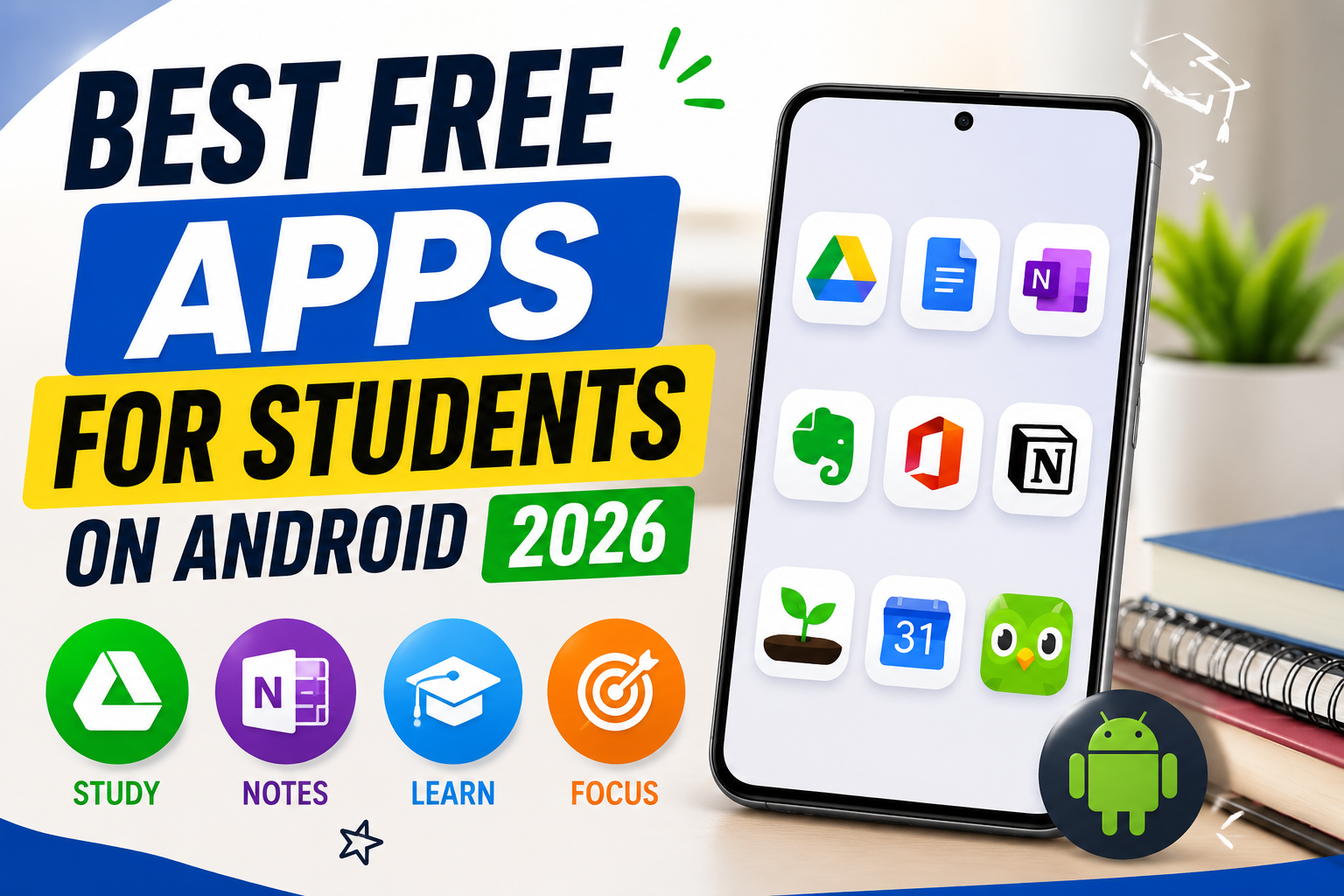
I still remember my college days when I used to download 15–20 apps thinking they would make me more productive. Most of them ended up unused within a week. After wasting a lot of time, I realized something important — students do not need many apps. They need the right ones.
In this article, I am not going to give you a random list of 20 apps. Instead, I will share the free Android apps that actually help students in real life — based on what works for studying, note-taking, focus, and assignment work in 2026.
Table of Contents
What Students Actually Need from Apps
Before jumping into apps, let’s be clear about the real problems students face:
- Notes become messy and hard to find later
- Revision is left for the last moment
- Phone distractions kill focus
- Assignments are written poorly
- Important files get lost
- Math and conceptual subjects feel difficult
A good free app should solve at least one of these problems properly.
1. Google Drive + Google Docs – The Foundation Every Student Needs
If I had to recommend only one thing, it would be Google Drive with Google Docs.
Most students underestimate how powerful this combination is. You can:
- Write assignments
- Create presentations
- Store PDFs and notes
- Share files with classmates or teachers
- Access everything from any device
The best part is that it works offline too. Once you enable offline mode, you can continue working even without internet. For group projects, real-time collaboration is extremely useful.
My advice: Create separate folders for each subject. It looks simple, but it saves a lot of time during exams.
2. Microsoft OneNote – Best Free App for Proper Notes
Many students still take notes in random places. OneNote solves this problem beautifully.
You can create separate notebooks for every subject. Inside each notebook, you can make sections for chapters. You can type, draw, insert images, and even record voice explanations.
I particularly like OneNote because it feels flexible. Some students prefer typing, some prefer writing with a stylus. OneNote supports both. Searching old notes is also very easy.
If your notes are currently scattered across WhatsApp, Gallery, and different apps, switching to OneNote will bring immediate improvement.
3. Anki (AnkiDroid) – The Most Powerful Free Memory Tool
This is the app most students ignore, but serious students quietly use.
Anki uses spaced repetition. It shows you difficult cards more frequently and easy cards less often. This method is scientifically proven for long-term memory.
Medical students, law students, and competitive exam aspirants rely on it heavily. The Android version (AnkiDroid) is completely free.
Yes, the interface looks a bit old. But once you start using it daily for 20–25 minutes, you will notice the difference in retention.
Tip: Do not create hundreds of cards in one day. Make a few good cards regularly.
4. Khan Academy – Best Completely Free Learning Platform
Khan Academy is still one of the most genuine free educational apps available.
It has clear video lessons and practice exercises for Math, Science, Economics, and many other subjects. The quality of explanation is high, and there is no pressure of buying premium.
If you are weak in any fundamental concept, spending time on Khan Academy is far better than watching random YouTube videos.
5. Forest – Simple but Effective Focus App
Distraction is one of the biggest enemies of students. Forest helps in a smart way.
When you want to study, you plant a tree in the app. If you leave the app to open Instagram or YouTube, the tree dies. Over time, you grow a virtual forest.
It sounds childish, but it works surprisingly well for many students. The psychological effect of not wanting to kill the tree helps maintain focus.
6. Google Keep – Best for Quick Capture
Not every note needs a full notebook. Sometimes you just need to quickly write something.
Google Keep is perfect for:
- Quick class points
- To-do lists
- Reminders
- Voice notes
It is fast, lightweight, and syncs instantly. I recommend using Keep for temporary notes and OneNote for permanent subject notes.
7. Photomath – Helpful for Understanding Steps
Photomath is useful when you are stuck on a mathematics problem. You can scan the problem and see the step-by-step solution.
However, I will give honest advice here — do not use it only to get answers. Use it to understand the method. If you only copy steps without understanding, it will hurt you in exams.
8. Grammarly Keyboard – Improve Your Writing Quietly
Many students lose marks because of basic grammar and spelling mistakes. The free Grammarly keyboard helps correct these mistakes while you type in any app.
It is especially useful when writing emails to teachers or finalizing assignments in Google Docs.
My Recommended Free Setup for Students (2026)
Here is a practical combination that works well without overwhelming you:
- Notes → Microsoft OneNote
- Quick notes → Google Keep
- Files & Assignments → Google Drive + Docs
- Memorization → Anki
- Concept Learning → Khan Academy
- Focus → Forest
- Writing Help → Grammarly Keyboard
This combination covers almost everything a student needs, and all of these have useful free versions.
Common Mistakes Students Make with Apps
- Installing too many apps at once
- Not organizing notes properly
- Using apps only before exams
- Depending completely on solution apps instead of understanding
Apps are tools. They only help when you use them consistently.
Final Thoughts
You do not need 15 productivity apps. You need 5–6 good ones used properly.
If you currently feel your studies are disorganized, start with just three apps: OneNote, Google Drive, and Anki. Master these first. Once they become part of your routine, you can add others.
The students who perform better are usually not the ones with the most apps. They are the ones who use a few tools regularly and seriously.
Read Next blog:- click here
About the Author
Rohit Srivastav is a BCA graduate from Azamgarh, Uttar Pradesh (276001). He writes practical technology guides based on real experience to help students and everyday users solve problems in simple language.
Disclaimer: All apps mentioned have free versions available on the Google Play Store at the time of writing. Features and limitations can change. Always download apps from the official Play Store only.