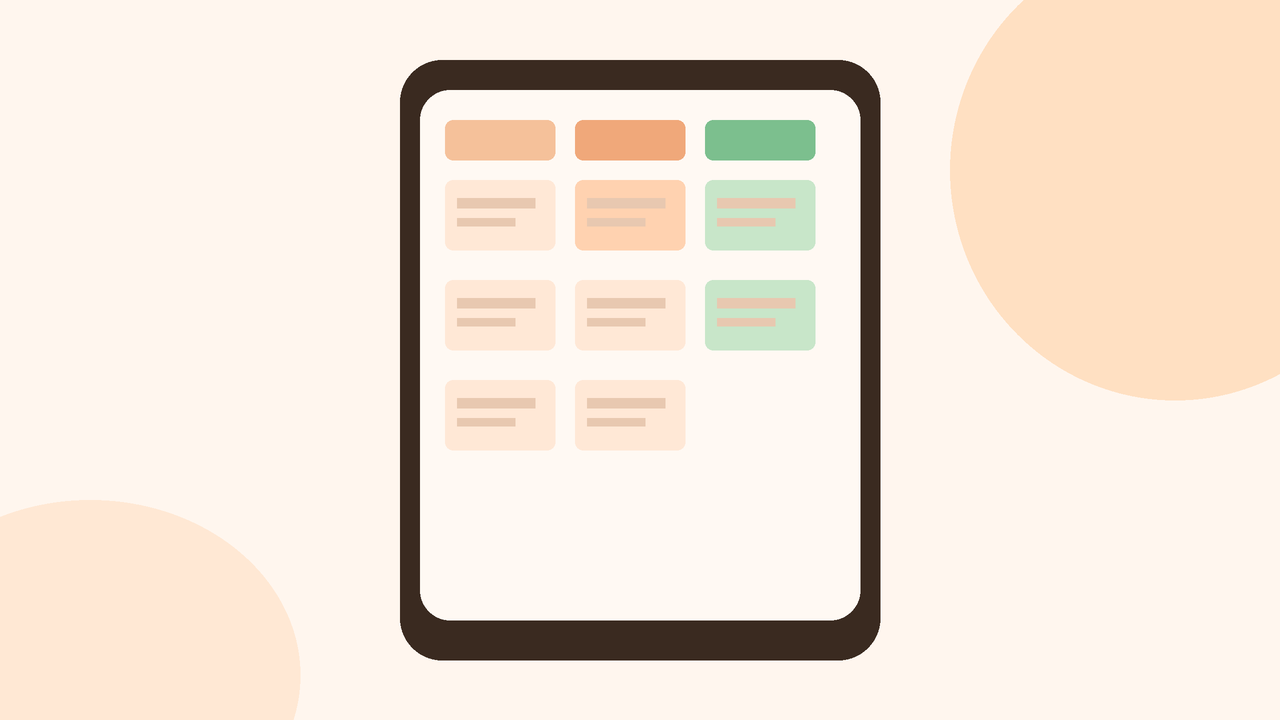
Group projects in college rarely fail because nobody cares. They fail because work hides inside chaotic WhatsApp threads, voice notes, and “I thought you were doing that” moments. A lightweight task board on your phone gives the team one shared picture: what is waiting, what is moving, and what is done. You do not need enterprise software. You need three columns and a few ownership rules the group will actually follow.
Why group chats fail as project managers
Chats are great for quick questions and file drops. They are terrible as the only source of truth. Important decisions scroll away. Screenshots of requirements get buried under memes. Two people quietly start the same slide deck. Someone else waits, assuming the silent person is busy.
Deadlines also blur. A message that says “by Friday” lacks a clear owner and a definition of done. When the presentation is tomorrow, panic replaces planning. A board does not remove conflict, but it makes gaps visible early—while you can still redistribute work.
Minimum viable columns
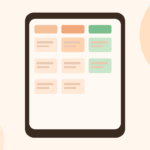
Start with three columns only:
- To do — agreed work that nobody has started
- Doing — work someone is actively finishing now
- Done — finished items ready for review or submission
Resist the urge to invent eight fancy columns on day one. “Blocked,” “Review,” and “Icebox” can wait until the three-column board feels natural. Extra columns that nobody updates become decoration.
Each card should hold a short title, one owner name, and a due date or class checkpoint. Optional: a one-line note linking the Drive folder or Figma frame. Long essays belong in documents, not on cards.
Phone-first setup that survives campus Wi-Fi
Pick a tool your teammates already open daily. Many student groups use:
- A shared board in a free kanban-style app
- A simple table in a shared Docs or Sheets file with three status columns
- Cards inside a team notebook that everyone can edit on mobile
The best board is the one five people will update on a bus ride. Fancy desktop-only tools die when half the team works from phones between classes.
Create the board once, pin the link in the group chat, and agree that the chat is for discussion while the board is for status. When someone asks “what’s left?” paste the board link instead of typing a new paragraph.
Keep card titles boring and specific: “Draft literature review 800 words,” not “Research stuff.” Specificity prevents duplicate effort.
Ownership rules that prevent silent failure
Write four rules at the top of the board or in the first pinned chat message:
- Every card has exactly one owner. Helpers can comment, but one name is accountable.
- Move your own card when status changes. Do not wait for a weekly meeting to drag it.
- If you are stuck more than one day, add a comment and ask in chat—do not go quiet.
- Nothing is “Done” until the agreed artifact exists in the shared folder (file, slide, code commit, survey results).
Optional fifth rule for Indian college groups: the submitter for the LMS upload is named on a final “Submit package” card so the last mile does not bounce between people at 11:50 p.m.
Rotate facilitation if needed. One person can be “board gardener” for the week—someone who nags gently when cards stall—not a dictator, just a reminder role.
A weekly reset that keeps the board honest
Once a week, or after each major class checkpoint, spend ten minutes together (voice call is fine):
- Archive or delete Done cards that are truly finished
- Split any Doing card that has grown into three hidden tasks
- Reassign To do items if someone’s midterms exploded
- Confirm the next deadline on the calendar, not only in chat memory
This reset stops the board from becoming a graveyard of stale cards that nobody trusts. Trust is the whole point. If the board lies, people return to WhatsApp archaeology.
What to keep off the board
Do not paste entire PDFs into cards. Do not track personal vibes or attendance drama. Do not create cards for tiny chats like “please send the rubric.” Put the rubric link in the board header once.
Also avoid twenty micro-cards for one person. If your column looks like confetti, merge related chores into a single deliverable with a checklist inside the doc.
Closing: small system, fewer surprises
A phone-friendly three-column board will not magically make every teammate punctual. It will make progress and gaps visible without scrolling through three hundred messages. Set it up in one evening, agree on ownership rules, reset weekly, and keep chat for conversation. That is enough structure for most semester projects—and far kinder than discovering missing slides the morning of the viva.
Example cards for a typical semester project
For a five-person research presentation, keep cards like: collect eight sources (Asha, Wed), build outline slides 1–6 (Rohan, Fri), record a 90-second demo (Imran, Sat), format references (Meera, Sat), and package the LMS ZIP (team lead, Sun 6 p.m.). Each card is a deliverable, not a vague theme. When Imran finishes, he moves the card to Done and drops the file link in a comment.
If two people share a slide deck, still name one owner and list the other as helper. Dual ownership sounds fair and usually means nobody updates the card.
Handling conflict and changing requirements
When cards sit in Doing for a week, fix it with a short call—not a public roast. Re-scope or reassign with agreement. The board shows the symptom; conversation fixes overload, confusion, or avoidance. If the teacher changes requirements, add one dated note at the top and adjust due dates in a single pass. Avoid parallel “old plan” and “new plan” boards.
Tools change; the habit stays
Apps rename features and free plans shrink. Your advantage is the habit: three columns, one owner, weekly reset, chat for talk, board for status. Keep those rules identical so new teammates can join mid-semester without a workshop. A plain board that is updated beats a colorful empty template every time.